What Your Internet Box, Router, and ISP Really Know About You
When people think about online privacy, they usually picture apps, cookies, and social networks. But a lot of the story starts much earlier — at the router, the box, and the ISP (Internet Service Provider) that connect your home to the internet.
Introduction
Most privacy debates focus on what happens inside websites and apps. That matters, of course, but it misses a bigger point: every device in your home network creates signals, and those signals can reveal a surprising amount about how you live online.
The good news is that this does not mean “everything is visible” or that privacy is hopeless. The more accurate picture is more nuanced: some data is hidden, some is exposed, and some is simply inferred from patterns. That is why the myth-vs-reality approach may be relevant here.
Myth 1 — My ISP can see everything I do
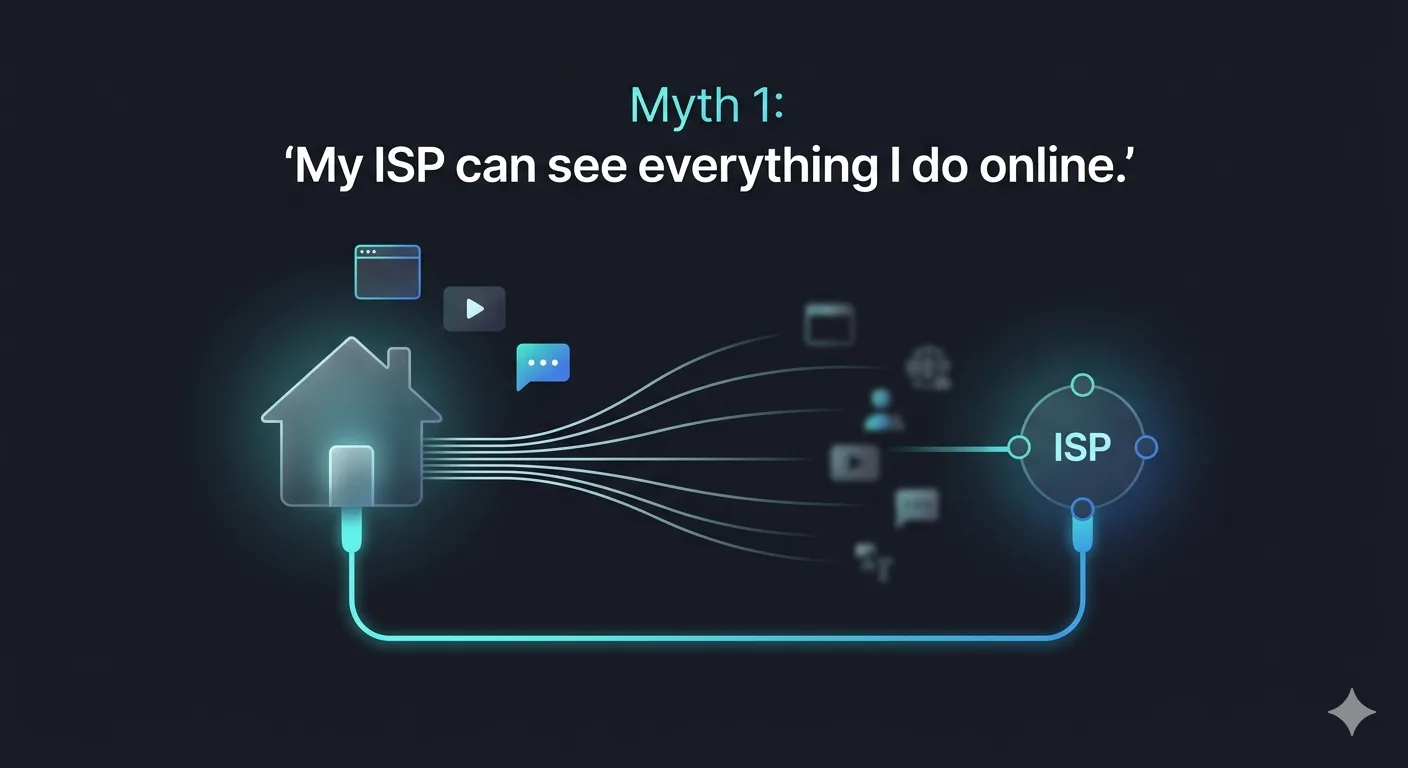
This is one of the most common assumptions, and it is too broad to be true. Modern encryption protects a lot of content in transit, which means your provider does not automatically get a readable copy of every page, message, or file.
But “not everything” does not mean “nothing.” An ISP can often still see useful metadata, such as when your connection is active, how much traffic is flowing, and which services or domains are being reached in some cases. That is often enough to build a surprisingly detailed picture of your habits.
Reality — Metadata can be very revealing
Metadata sounds harmless because it is not the content itself. In practice, though, it can tell a lot: when you wake up, when you stream video, which devices are active at home, and how frequently you use certain services.
A simple example makes this clear. Even if no one can read the exact content of your traffic, repeated connections to a particular service at the same time every night can still reveal routine, preferences, and usage patterns. Over time, patterns become personal.
| What the ISP typically sees | What the ISP typically cannot see |
|---|---|
| Connection timestamps | Content of encrypted messages |
| Traffic volume | Body of HTTPS pages |
| IP addresses of destinations | End-to-end encrypted calls |
| Approximate service or domain | Encrypted file contents |
Myth 2 — My router is just a passive device

Many people think of the router or internet box as a neutral piece of hardware: it connects the home to the web, and that is all. In reality, it often sits at the center of the home network and can observe a lot.
Depending on the device and configuration, a router may log connected devices, connection times, network events, and administrative activity. Some boxes also include diagnostics, cloud features, or remote management functions that generate additional data. The device may feel invisible, but it is often a key point of observation.
Reality — Your home network is a data source
A home network is not just a pipe carrying bits from one place to another. It is also a data environment where devices announce themselves, reconnect, update, sync, and communicate with outside services.
That matters more today than it did a decade ago. Smart TVs, speakers, cameras, thermostats, watches, and phones all add extra layers of activity. Even if each individual signal seems small, together they create a detailed map of how a household is connected and when it is active.
Myth 3 — HTTPS means I’m fully private
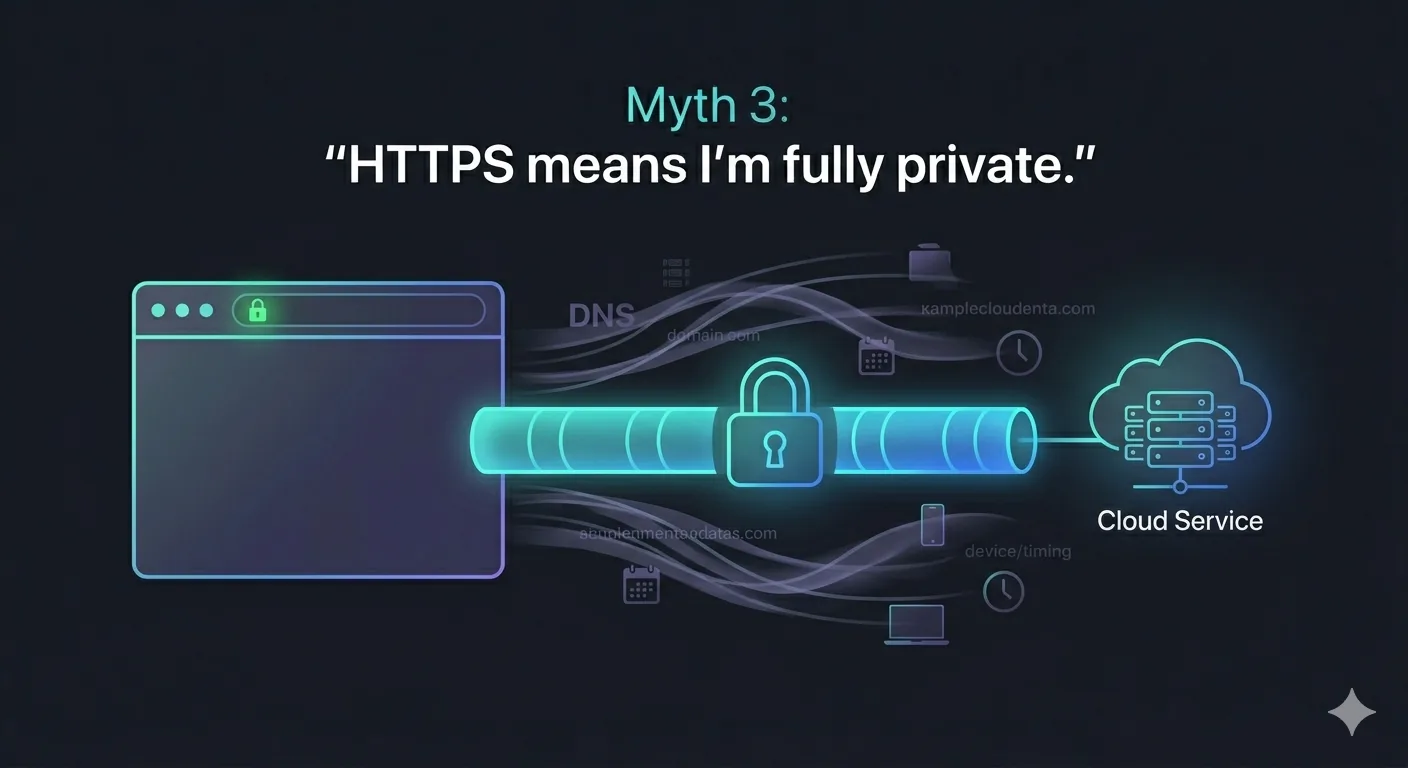
HTTPS is essential, and it is one of the best improvements the web has made for privacy and security. It protects the content of your traffic while it travels between you and a website.
But it does not make you invisible. It does not erase browser fingerprints, stop cookies, prevent logins from identifying you, or remove the fact that a service sees your account activity once you are on its platform. Encryption is a major layer of protection, not a complete privacy system.
Reality — Encryption helps, but it does not erase the trail
A useful way to think about encryption is this: it protects the message in transit, but it does not automatically protect the surrounding context. The site you visit, the account you use, the device you browse from, and the browser you choose can all still contribute to identification.
That is why privacy on the web is layered. You can have encrypted traffic and still be tracked through cookies, account logins, app identifiers, or browser fingerprinting. The connection may be secure without being anonymous.
Myth 4 — A VPN solves the problem

A VPN is often marketed as a single solution to online privacy, which makes it easy to overestimate. It can be useful, especially for hiding traffic from your ISP on some networks or for improving security on public Wi‑Fi.
But it does not make tracking disappear. Websites can still recognize you through accounts, cookies, device signals, or behavior. And you are simply shifting trust from the ISP to the VPN provider, which means the privacy model changes rather than vanishes.
Reality — A VPN changes the trust model
The best way to understand a VPN is as a trade-off. It can reduce exposure in some situations, but it does not solve every privacy issue in the chain.
If your browser is full of trackers, if you are logged into multiple platforms, or if your devices constantly share telemetry, a VPN will not erase that activity. It is one useful tool in a broader privacy strategy, not a magic shield.
What gets collected in practice
In the real world, different actors collect different pieces of the puzzle. The ISP, router, browser, apps, websites, ad networks, and connected devices all sit at different layers and see different things.
Common data points include:
- Device identifiers — MAC addresses, device names, hardware fingerprints.
- Connection timestamps — when devices connect, disconnect, or go idle.
- Traffic volume — how much data flows and in which direction.
- Destination services — which domains or IP ranges are contacted.
- Usage patterns — frequency, rhythm, and duration of activity.
- Account-linked activity — behavior tied to a logged-in identity on a platform.
None of these items alone tells the full story. Together, though, they can create a very accurate profile of a user or household.
What you can do
There is no perfect fix, but there are practical ways to reduce exposure. A few good habits go a long way.
- Update router firmware regularly — manufacturers patch vulnerabilities over time; staying current matters.
- Change default admin passwords — factory credentials are publicly documented and widely exploited.
- Review router and ISP settings — some diagnostic or telemetry features can be disabled.
- Use privacy-conscious DNS options where appropriate — providers like Cloudflare’s 1.1.1.1 or Quad9 offer better privacy guarantees than many ISP defaults.
- Limit unnecessary connected devices — every device on your network is a potential signal source.
- Understand what a VPN does and does not hide — use it for the right reasons, not as a blanket solution.
The goal is not to disappear from the internet. The goal is to reduce unnecessary data exposure and make sure the data that is collected is not more revealing than it needs to be.
The bigger picture
The biggest mistake is to treat privacy as if it were limited to one app or one website. In reality, it is shaped by an entire ecosystem: devices, networks, protocols, platforms, and business models.
That is why the home network matters so much. Your internet box and router are not just plumbing. They are part of the privacy infrastructure of your digital life, and they deserve to be understood that way.
Closing thought
The most useful privacy lesson is not that “the internet sees everything.” It is that the internet sees enough to make inference powerful, and that is often where the real risk begins.
Understanding that distinction is the first step toward using the web more consciously.